New iPhone, iPad & Android

A translator in your pocket
that listens for you.

Subtitles over any app, a conversation in two languages, a meeting turned into minutes. SpeakFlow hears it, translates it, and keeps it for later.

Coming soon toApp StoreComing soon toGoogle Play
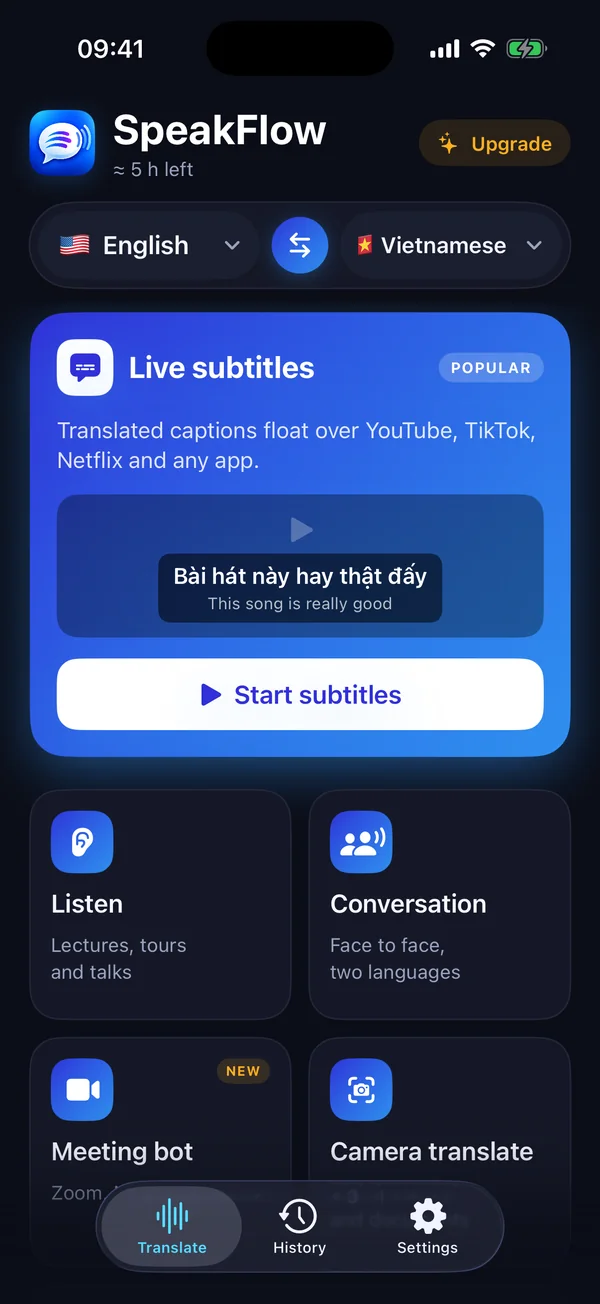
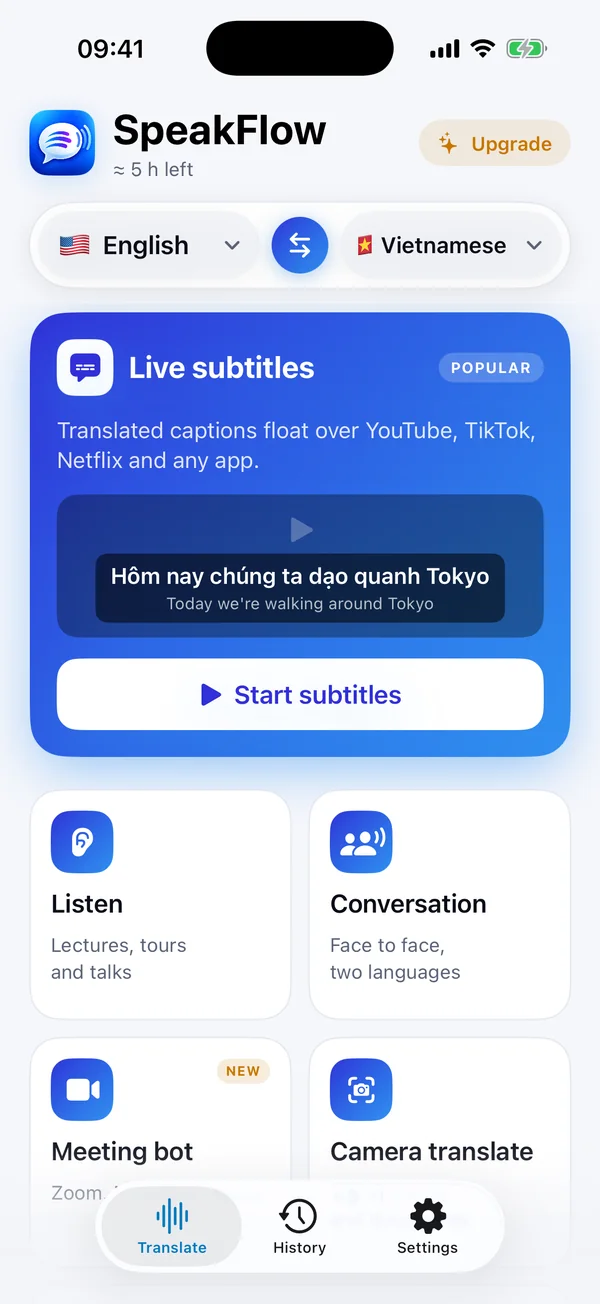
SpeakFlow home screen on iPhone
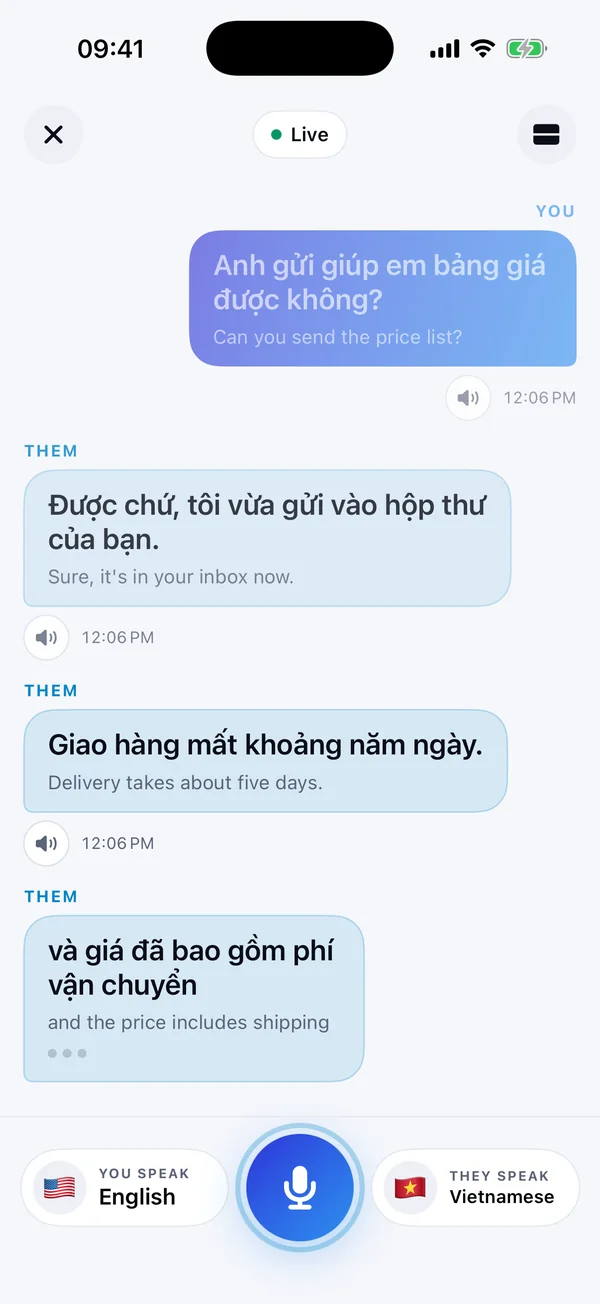
A conversation in two languages
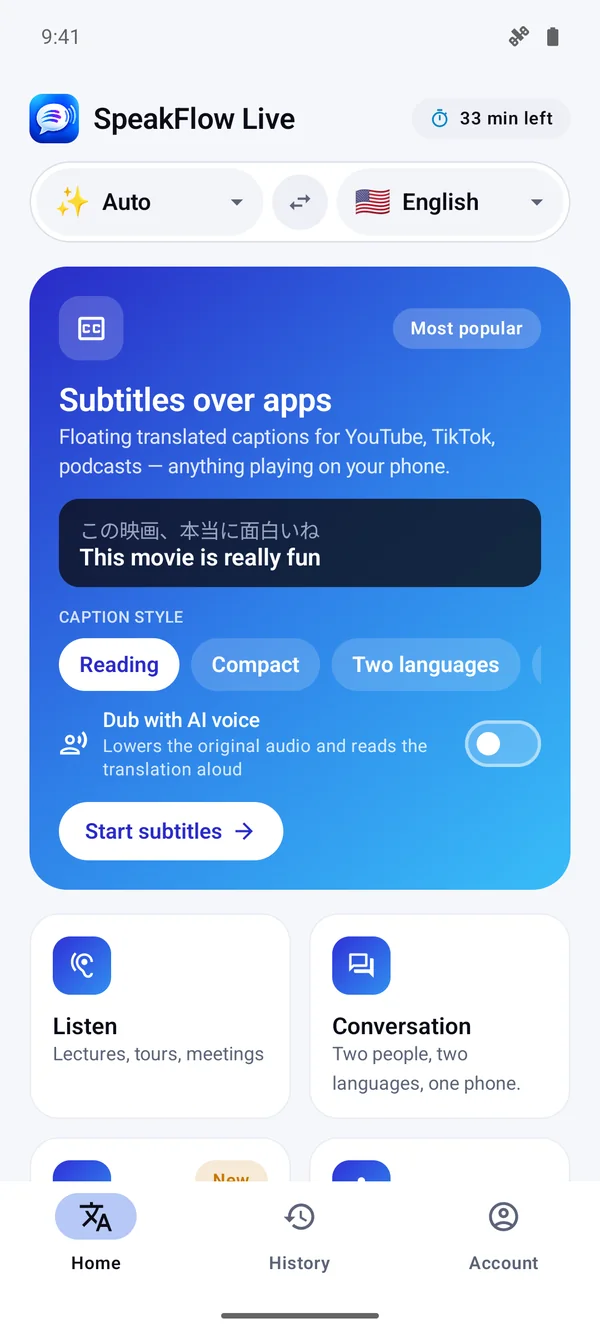
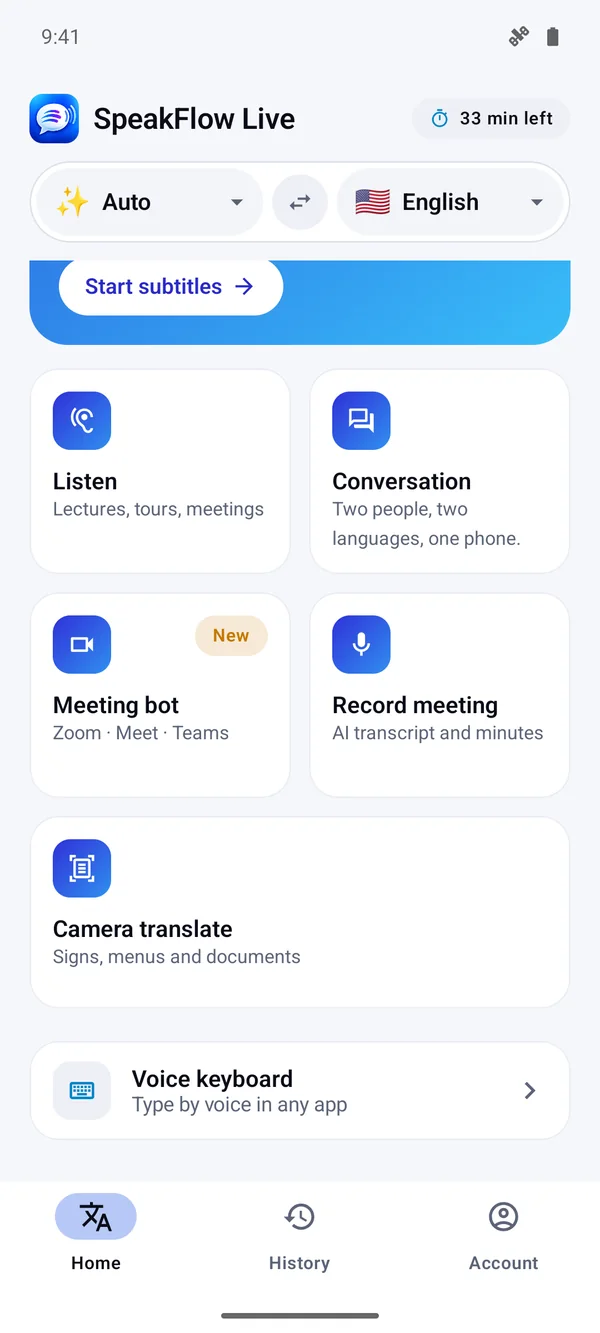
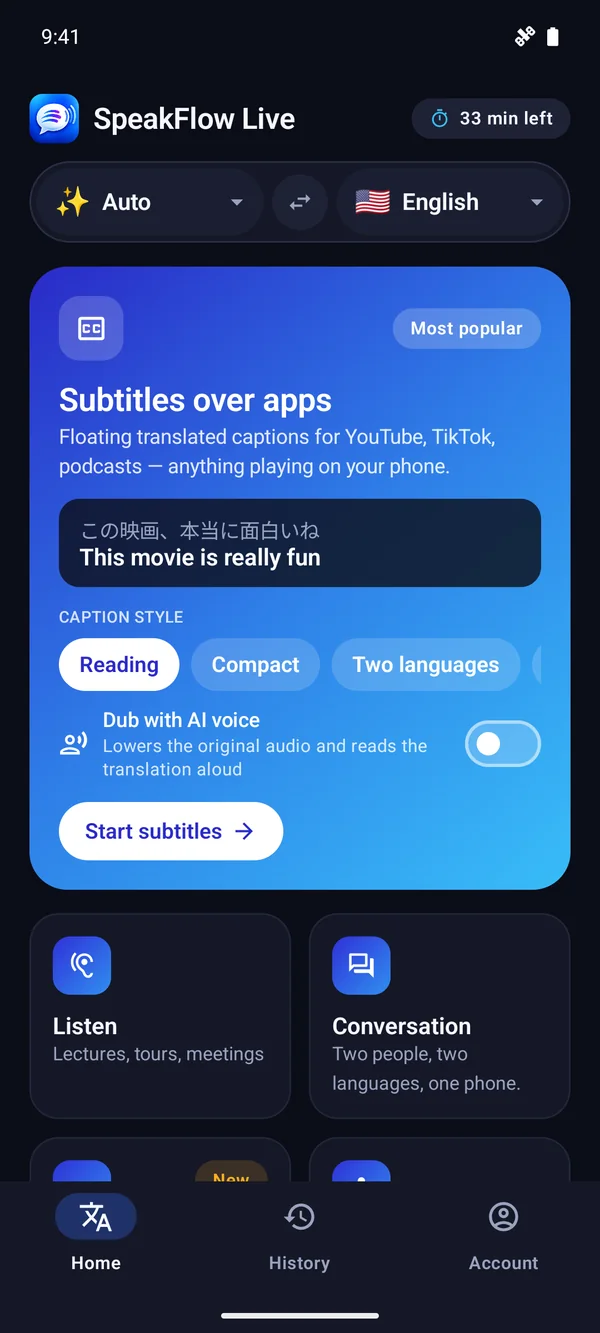
SpeakFlow home screen on Android
60+ languagesFree minutes every dayNo account, no card
What it does

Six ways it helps, one app

Live subtitles

Translated captions on top of any app

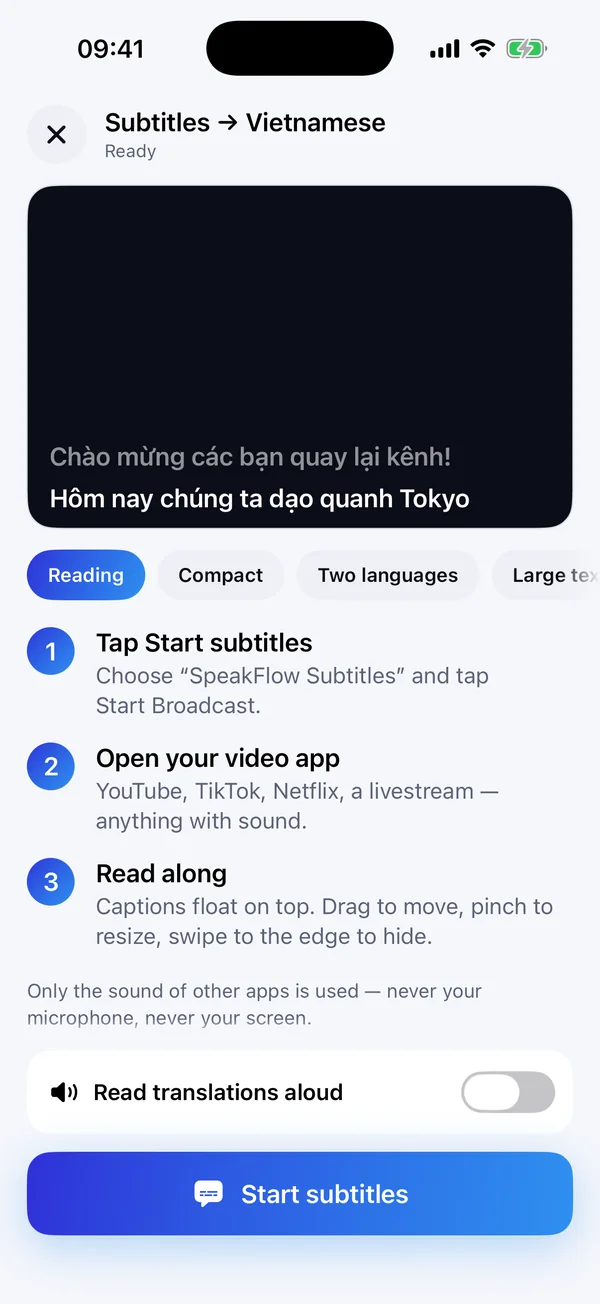
Start subtitles, then open YouTube, TikTok, Netflix or a livestream. The translation floats over whatever is playing — drag it, resize it, swipe it away.

  • Reading, Compact, Two languages or Large captions
  • An optional AI voice that dubs the video for you
  • Only the sound of other apps is used — never your microphone
Live subtitles setup on iPhone
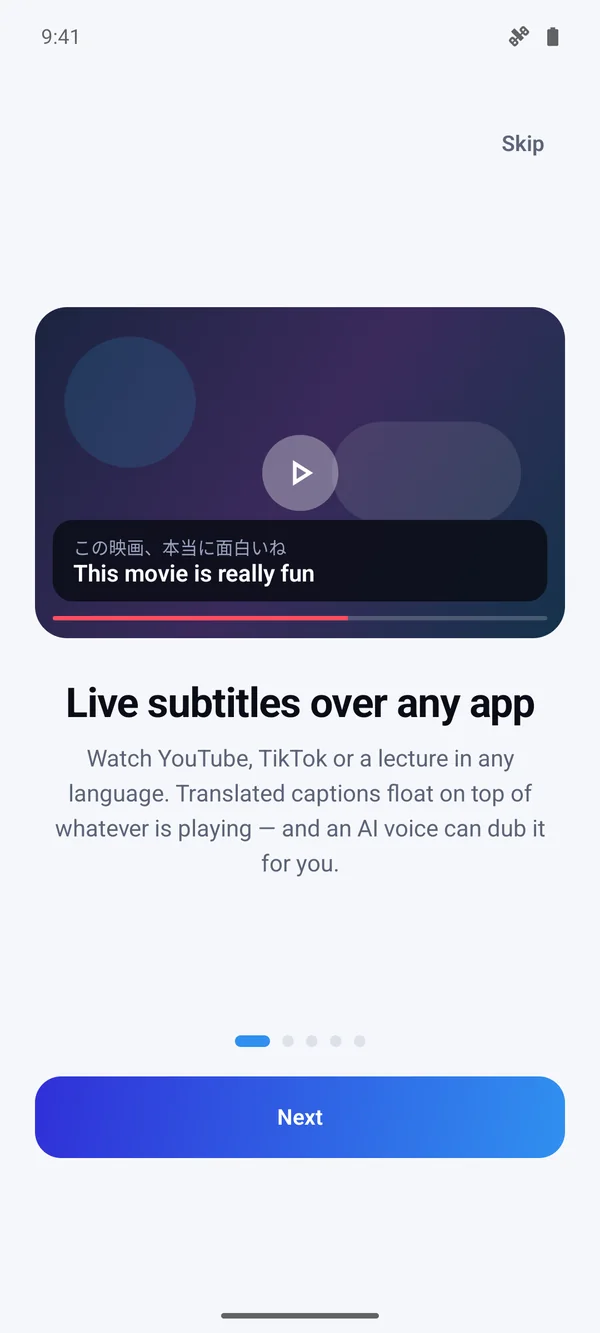
Floating subtitles on Android
Conversation

Two people, two languages, one phone

Put the phone on the table and just talk. SpeakFlow works out who is speaking which language, translates each side and says it out loud.

  • Each sentence as a card, with replay in either language
  • Works with the built-in speaker — no headphones needed
  • For hotels, pharmacies, taxis, clients and family
Face-to-face conversation
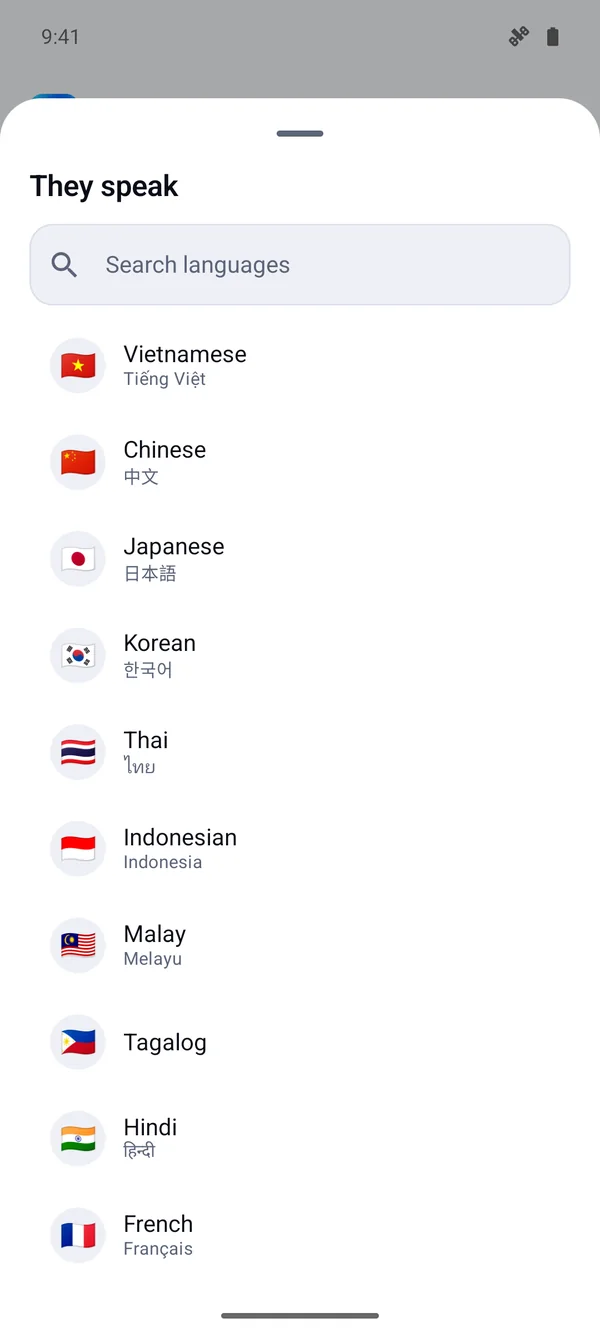
Choosing a language on Android
Listen

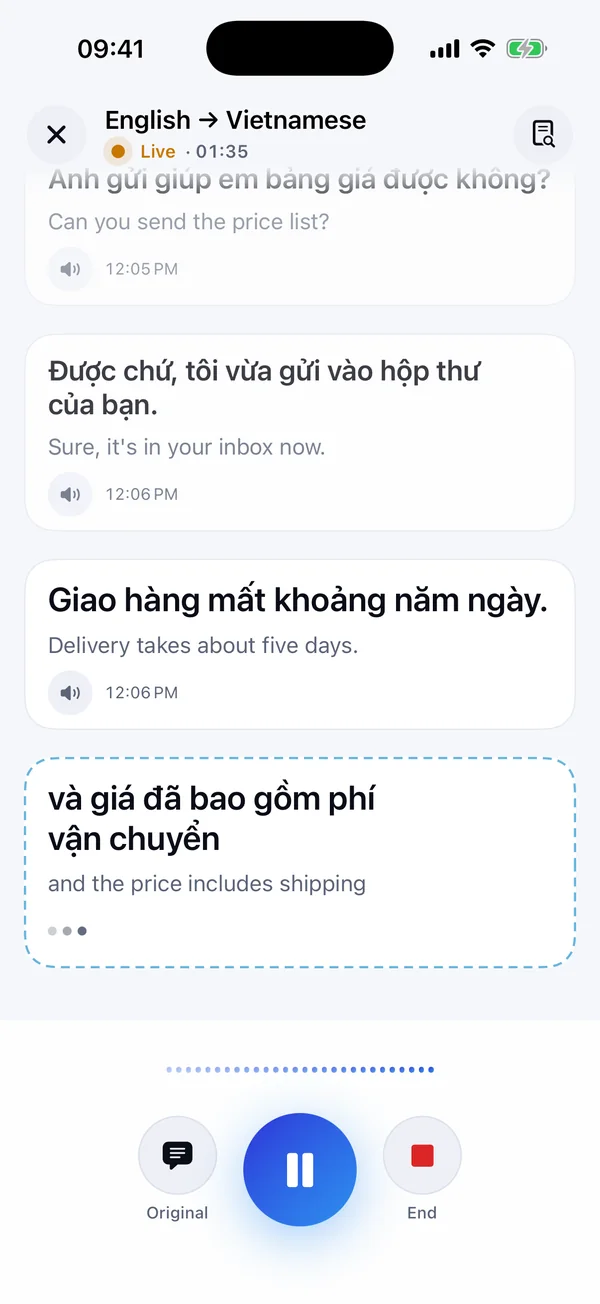
Lectures, tours and talks, as they happen

Point the phone at the speaker. Every sentence appears in your language within a second or two, with the original underneath.

  • Tell it today's topic — names and jargon come out right
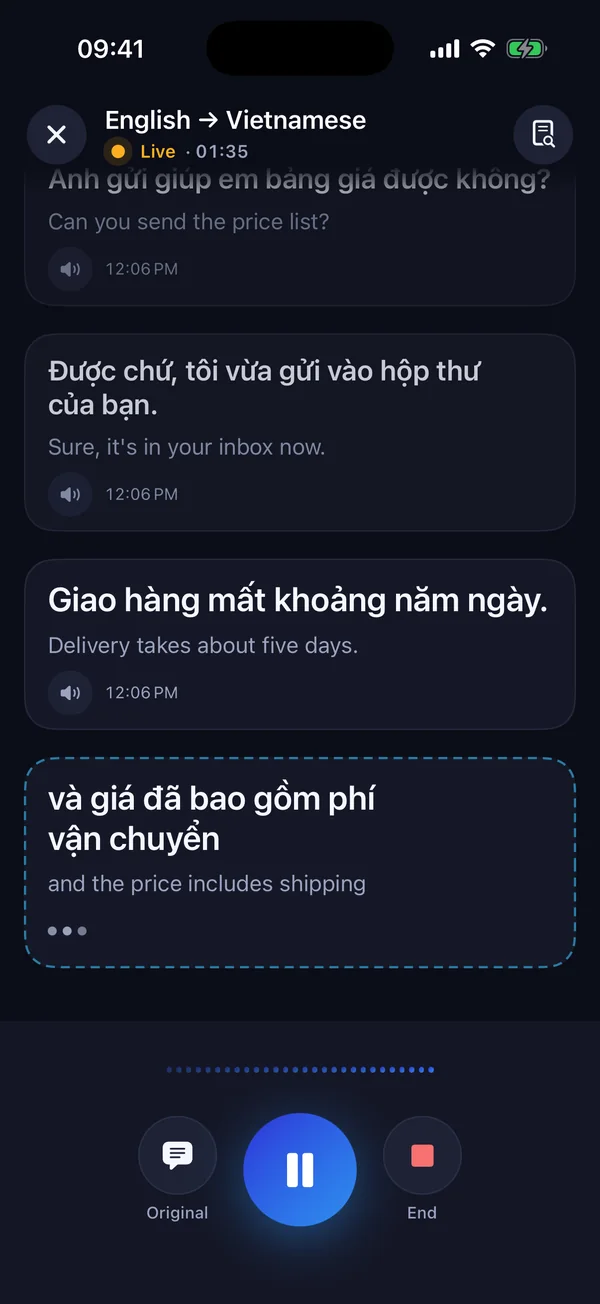
  • Light and dark mode
  • Everything saved to History, searchable
Listening to a talk
Dark mode
Meeting bot

Follow a Zoom, Meet or Teams call on your phone

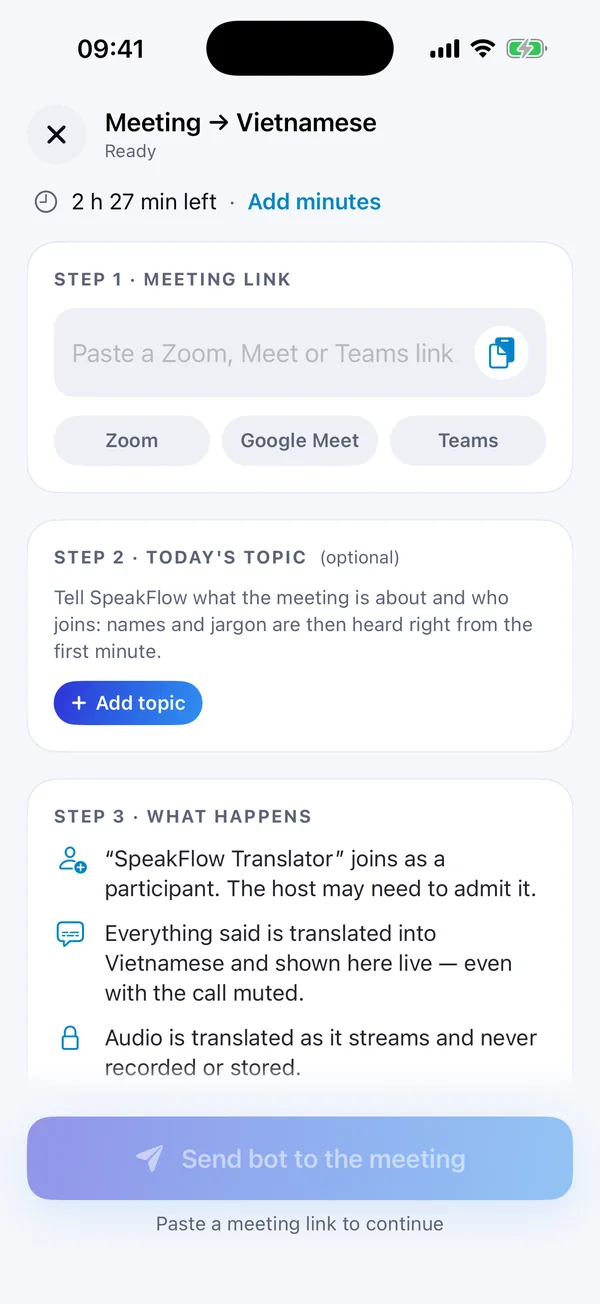
Paste the meeting link. A participant called “SpeakFlow Translator” joins, and everything said is translated and shown live on your phone — even with the call muted.

  • Zoom, Google Meet and Microsoft Teams
  • Add the topic so names are heard right from the first minute
  • Audio is translated as it streams, never recorded or stored
Sending the bot to a meeting
Record meeting

Record it. Get the minutes.

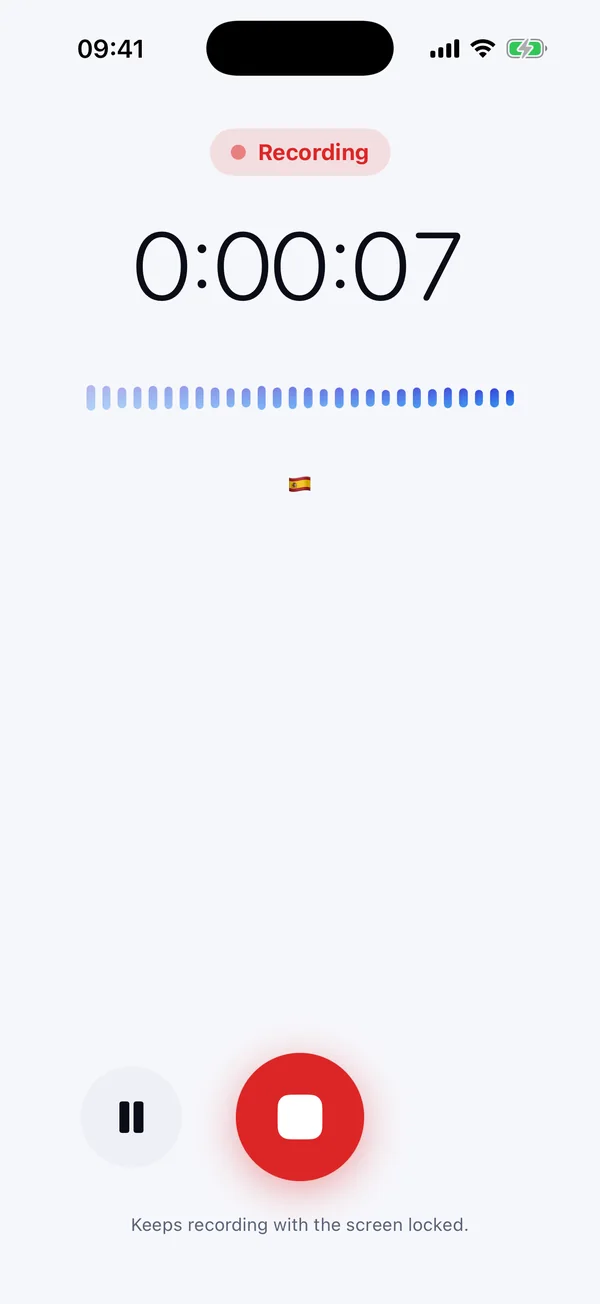
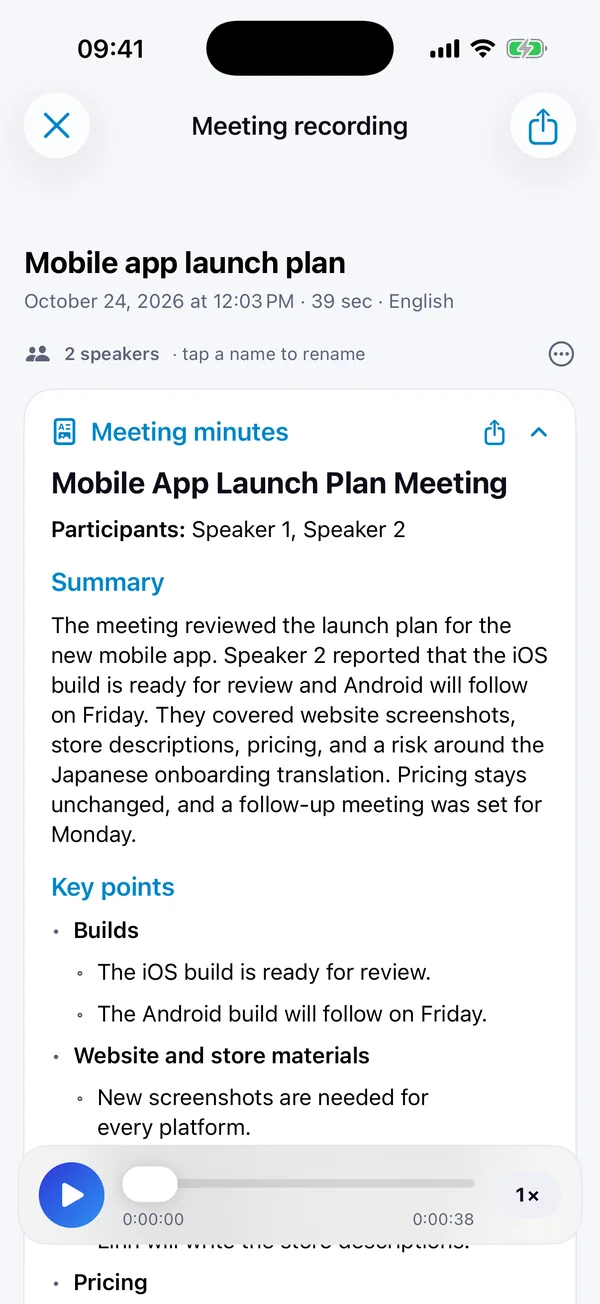
Record the whole meeting with your phone — up to five hours, screen locked — or import a video or audio file. AI writes the transcript, tells the speakers apart and drafts the minutes.

  • Summary, key points, decisions and action items
  • Export to Word (.docx) or share the text
  • Ask questions: “What did we decide about pricing?”
Recording a meeting
AI meeting minutes
And more

Camera, keyboard and history

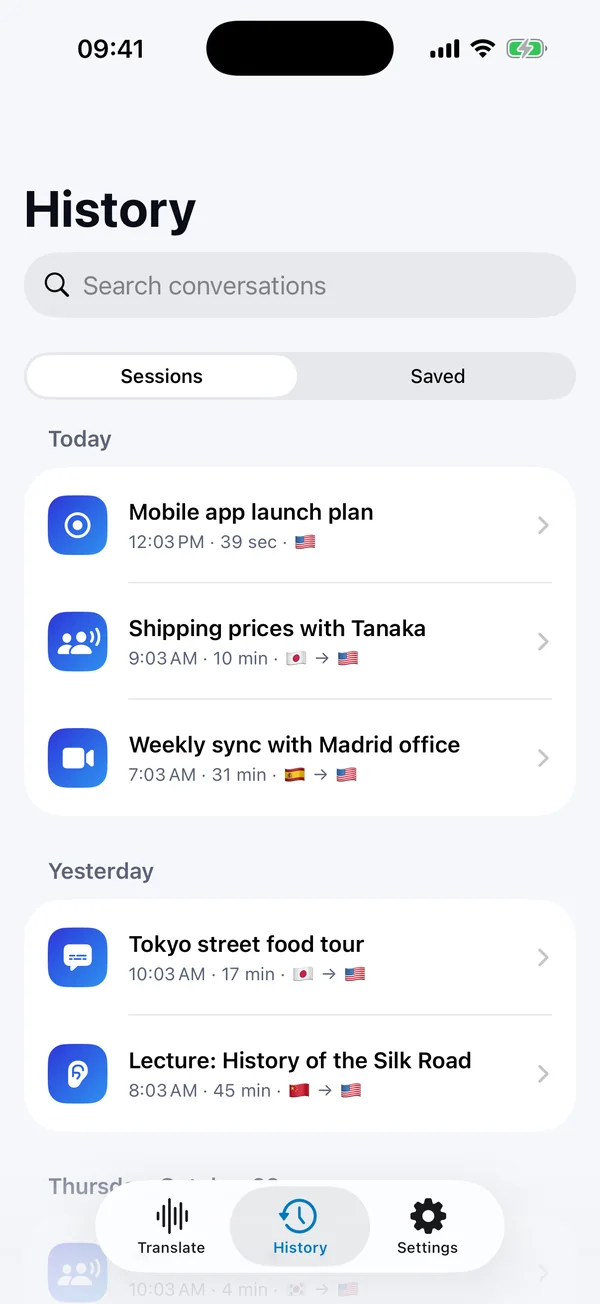
Translate signs, menus and documents with the camera. Type by voice in any app with the SpeakFlow keyboard. Find any past conversation in History.

  • Camera translate for text around you
  • Voice keyboard: speak, send it translated
  • History with search and saved phrases
History
All the modes on Android
Screens

The same app on iPhone and Android

Scroll sideways to see more.

Home · iPhone
Home · iPhone
Listen · iPhone
Listen · iPhone
Conversation · iPhone
Live subtitles · iPhone
Meeting bot · iPhone
Meeting minutes · iPhone
Dark mode · iPhone
Dark mode · iPhone
Home · Android
Home · Android
Modes · Android
Modes · Android
Languages · Android
Languages · Android
Dark mode · Android
Dark mode · Android
FAQ

Questions, answered

Is it free?

Yes, to start: you get free minutes every day with no account and no card. For more, SpeakFlow Pro and hour packs are available inside the app.

Can it translate other apps on my phone?

Yes — that is Live subtitles. On iPhone it uses a screen broadcast that only takes the sound of other apps; on Android the captions float over whatever is playing. Some apps block their audio from being captured, and phone calls can't be captured on either system.

Can it speak into a call for me?

Not from the phone — that needs a virtual microphone, which only computers have. For that, use SpeakFlow Pro on Mac or Windows. On the phone, the meeting bot lets you follow a call in your language.

I already have a SpeakFlow Pro licence key.

Choose “I already have a licence key” when you open the app and enter it — your hours can be used on the phone too (one key works on up to two devices).

Which languages?

More than 60 for speech, including English, Spanish, Chinese, Japanese, Korean, Vietnamese, French, German, Arabic and Hindi. The app itself is in 17 languages.

Is my data private?

Audio is translated as it streams and is not stored. Recordings and transcripts stay on your phone unless you share them. See our privacy policy.
Get SpeakFlow on your phone

iPhone and iPad (iOS 17+) · Android 10+. Free minutes every day.

Coming soon toApp StoreComing soon toGoogle Play