SpeakFlow is now on iPhone & Android See the app

Understand everyone.
In your own language.

Real-time translation for calls, meetings, videos and face-to-face conversations — on your computer, on your phone, and in Chrome.

Get started free
SpeakFlow Pro on a Mac, translating a call in both directions
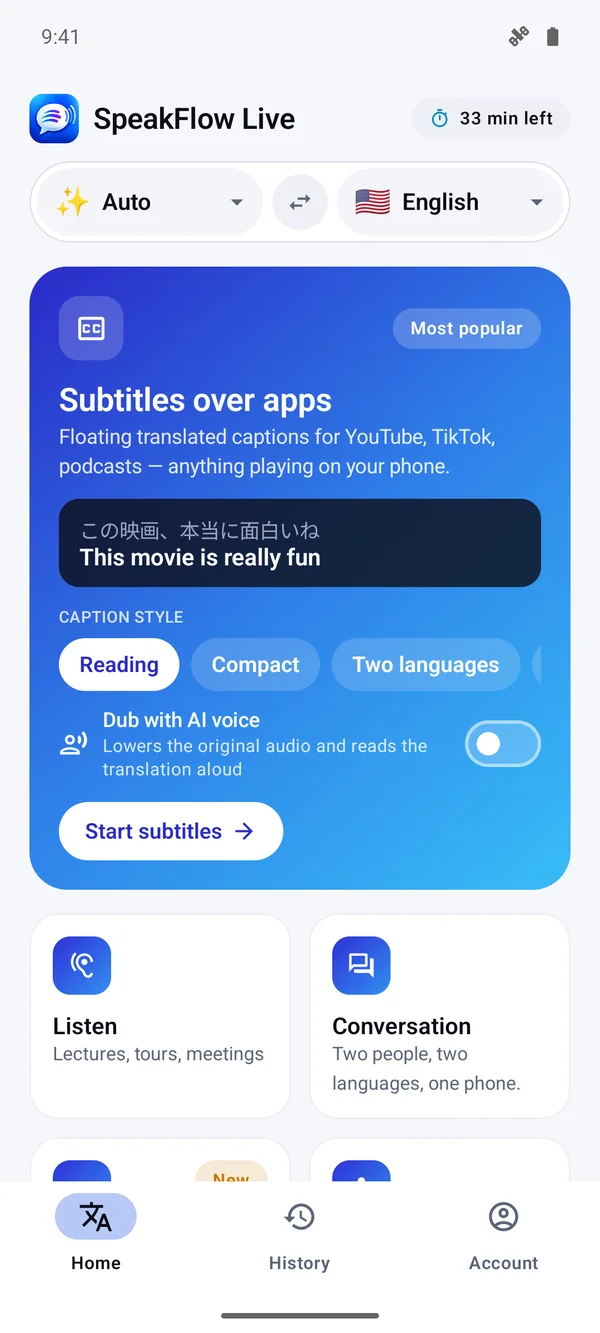
SpeakFlow on Android: subtitles over any app
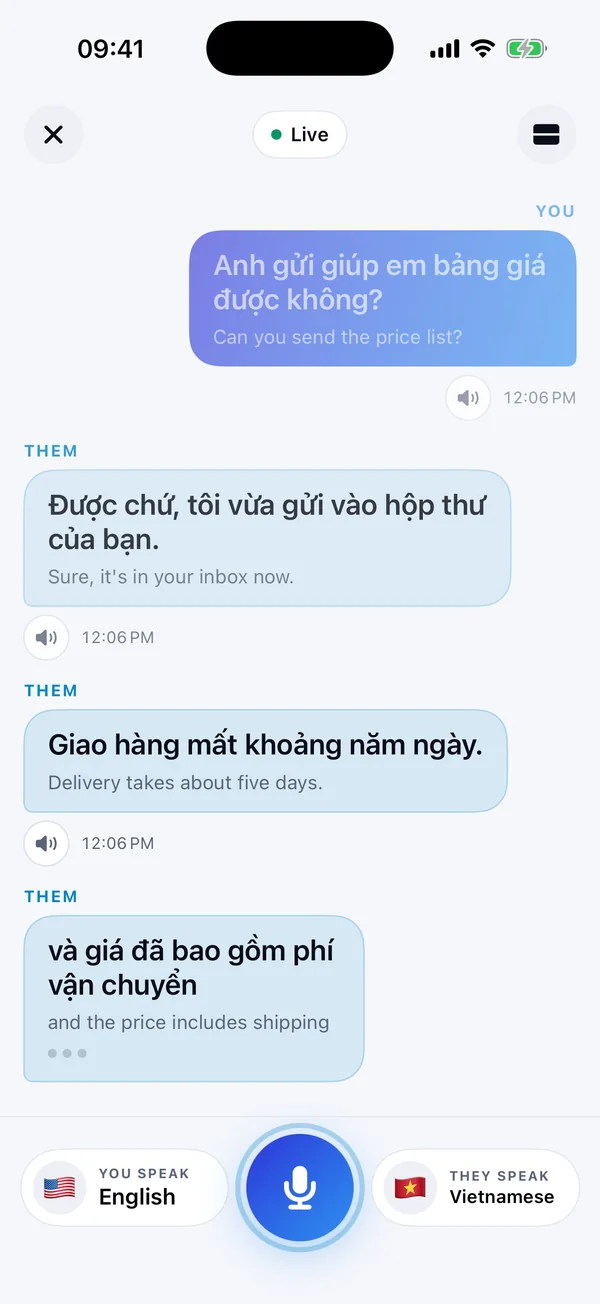
SpeakFlow on iPhone: a two-language conversation
macOSWindowsiPhone & iPadAndroidChrome
Three apps, one idea

Pick the one for where you are

Each app is installed on its own. Start free on any of them.

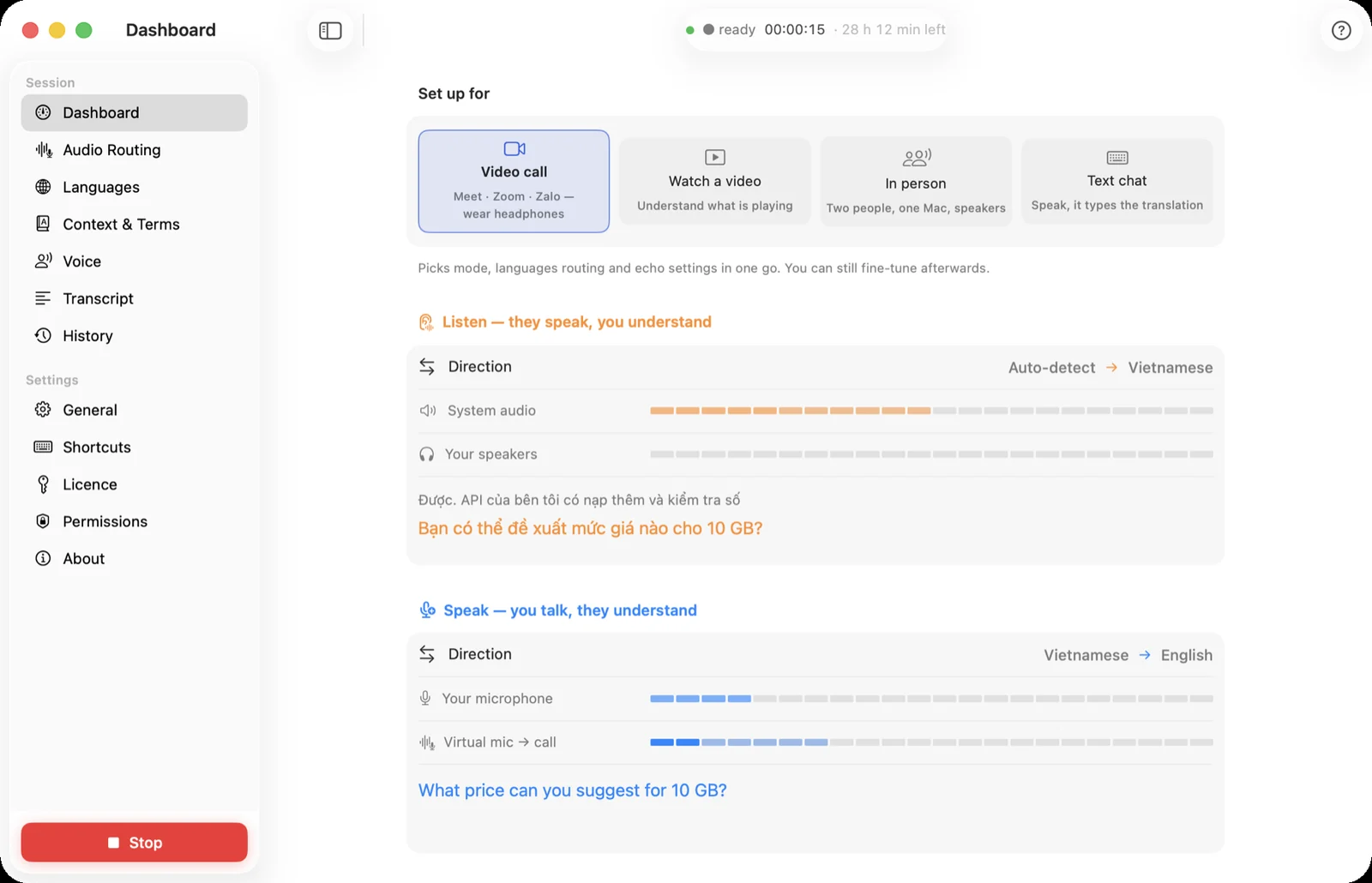
SpeakFlow Pro dashboard
Mac & Windows

SpeakFlow Pro

For calls and meetings on your computer — hear them in your language and speak back in theirs.

  • Zoom, Meet, Teams, FaceTime — any app
  • Your translated voice goes into the call
  • 1 free hour, then packs from $19
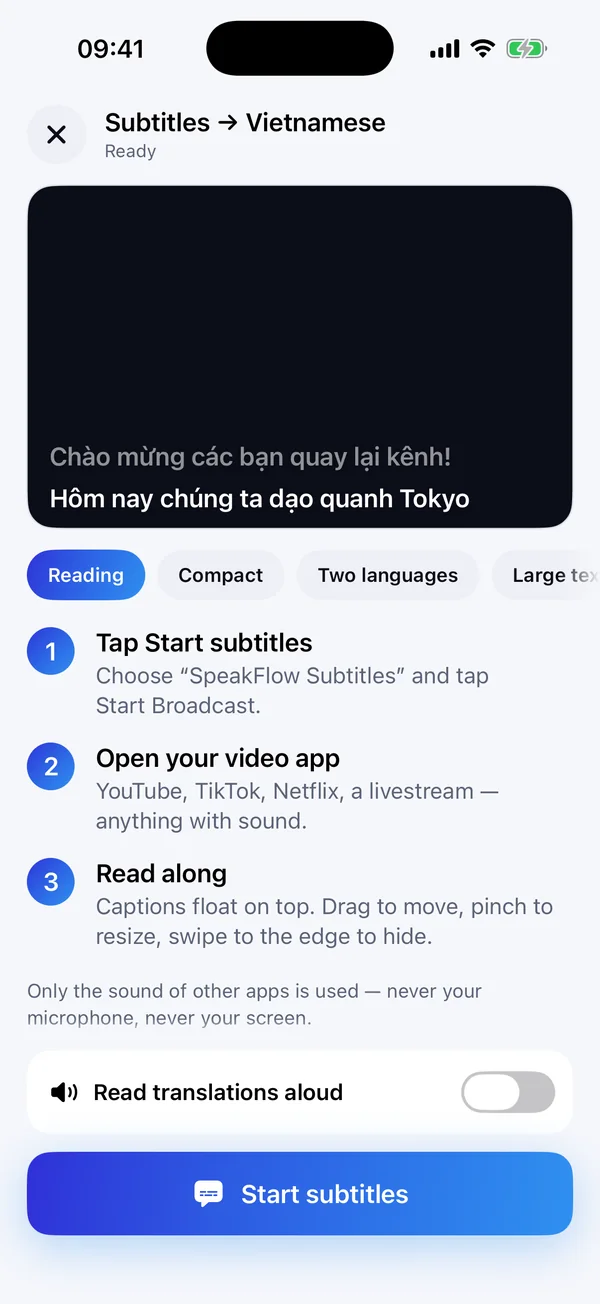
Live subtitles on iPhone
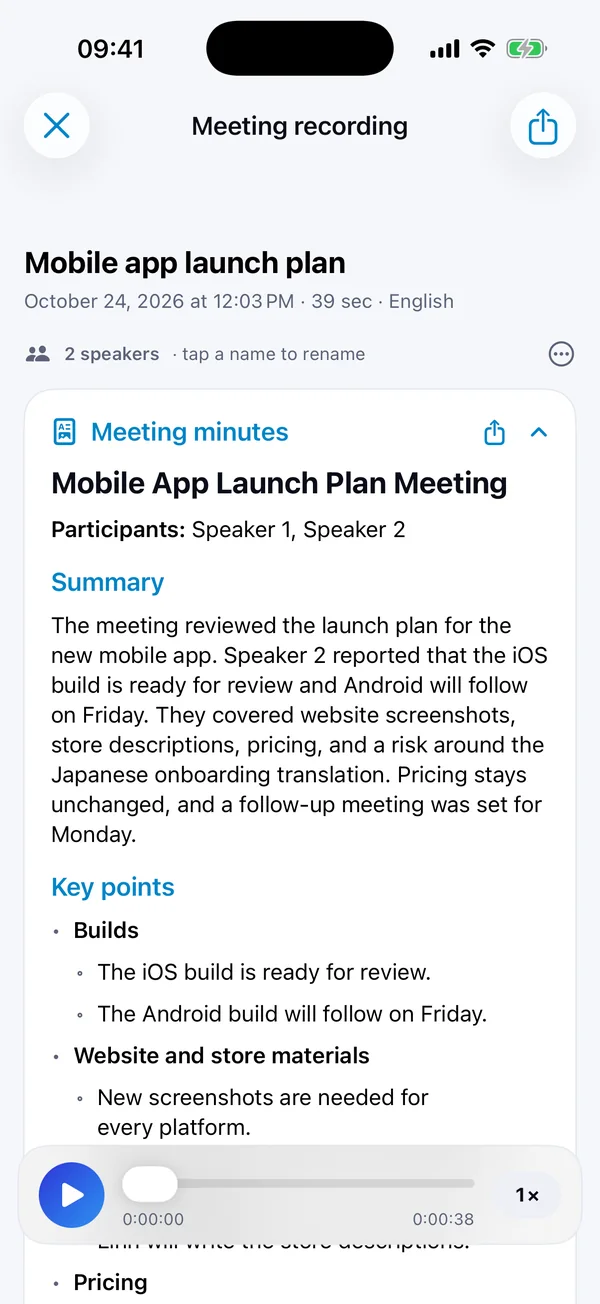
AI meeting minutes on iPhone
iPhone & Android · New

SpeakFlow for phones

Subtitles over any app, conversations face to face, and meetings turned into minutes.

  • Captions over YouTube, TikTok, Netflix
  • Two people, two languages, one phone
  • Free minutes every day
Chrome extension · Free

SpeakFlow Translate

Translate and AI-dub YouTube videos in your browser, in 100+ languages.

  • Subtitles and natural voice-over
  • Free, no account needed
  • SRT export and video summary
On your computer

Join any call in a language you don't speak

SpeakFlow Pro reads the call to you in your language, then turns what you say into theirs and speaks it into the meeting through a virtual microphone.

  • Both directions live, with floating captions
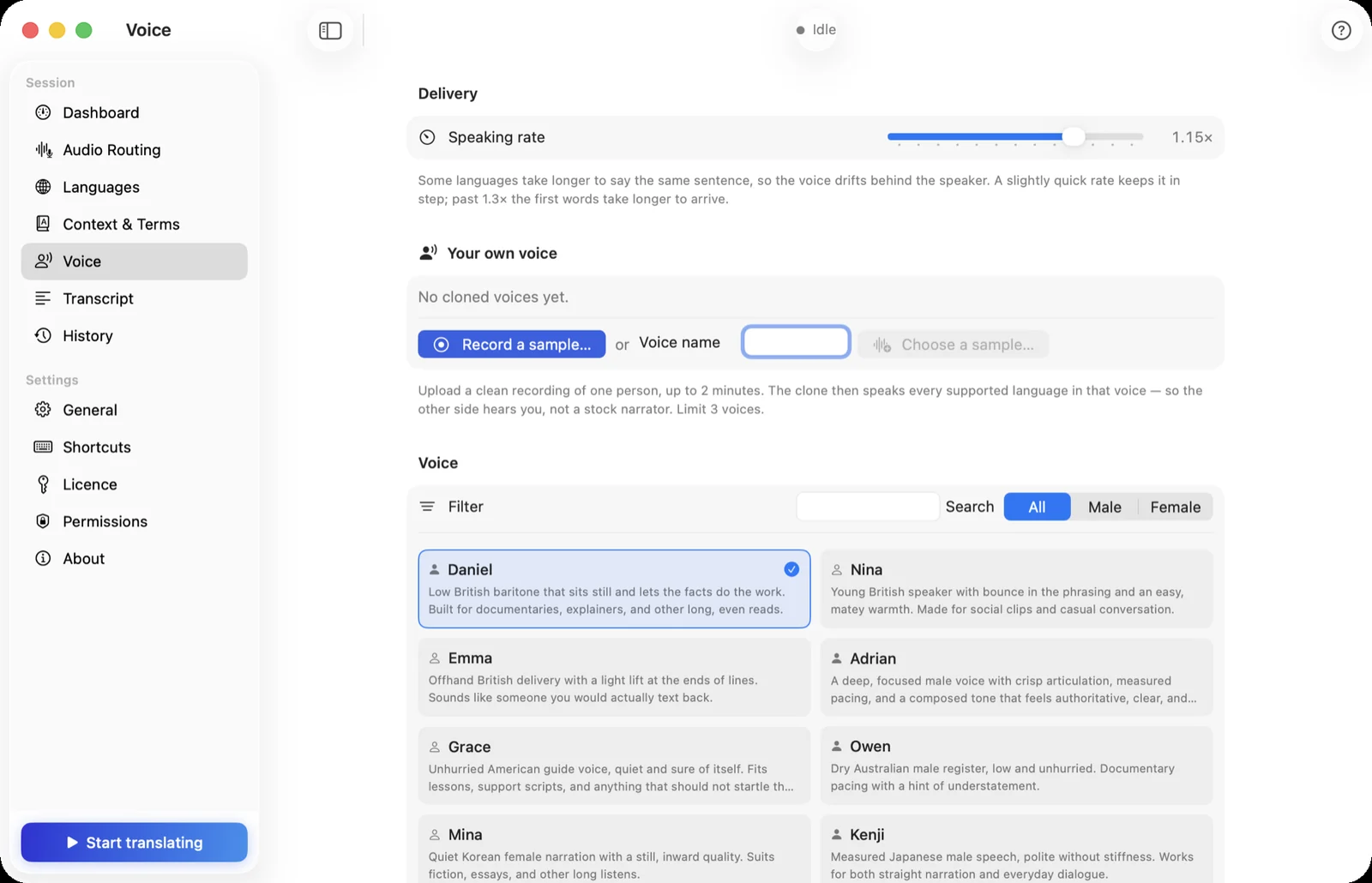
  • Nearly 100 natural voices, or a clone of your own
  • Knows the topic, so names and jargon come out right
See SpeakFlow Pro
Voice settings in SpeakFlow Pro
On your phone

Subtitles over any app, wherever you are

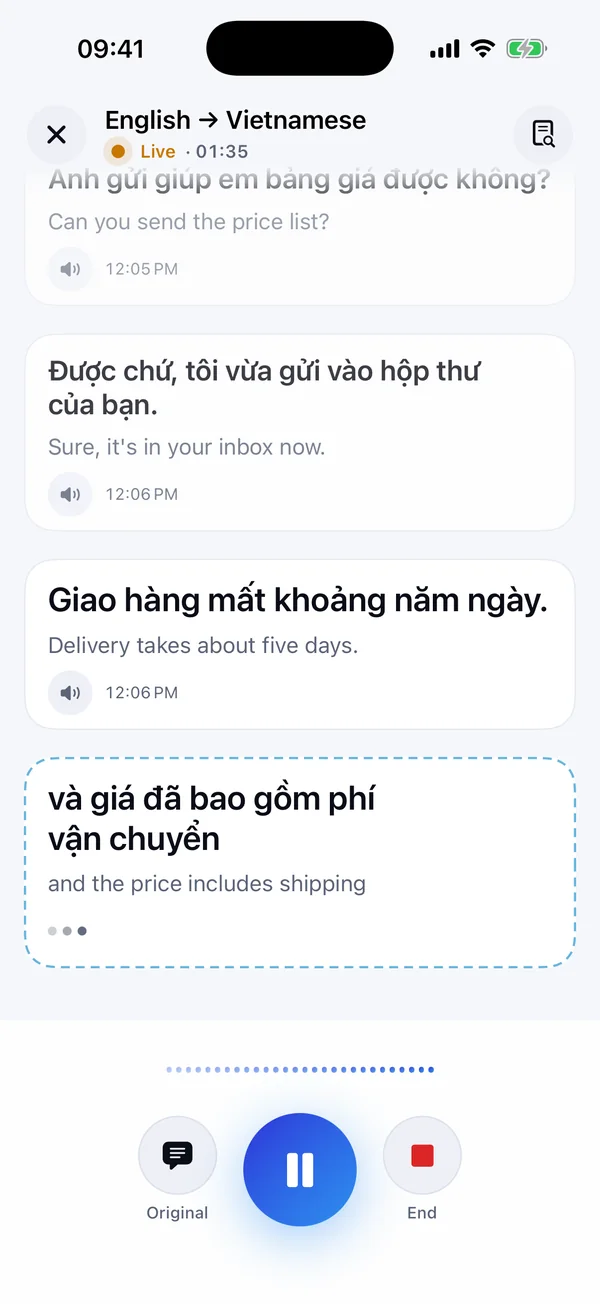
Watch a video, sit in a lecture or talk to someone across the table — the phone app translates what it hears, live, and keeps it to read again later.

  • Floating captions over YouTube, TikTok and Netflix
  • Face-to-face conversation that knows who is speaking
  • A bot that joins your Zoom, Meet or Teams call
See the phone app
Live translation on iPhone
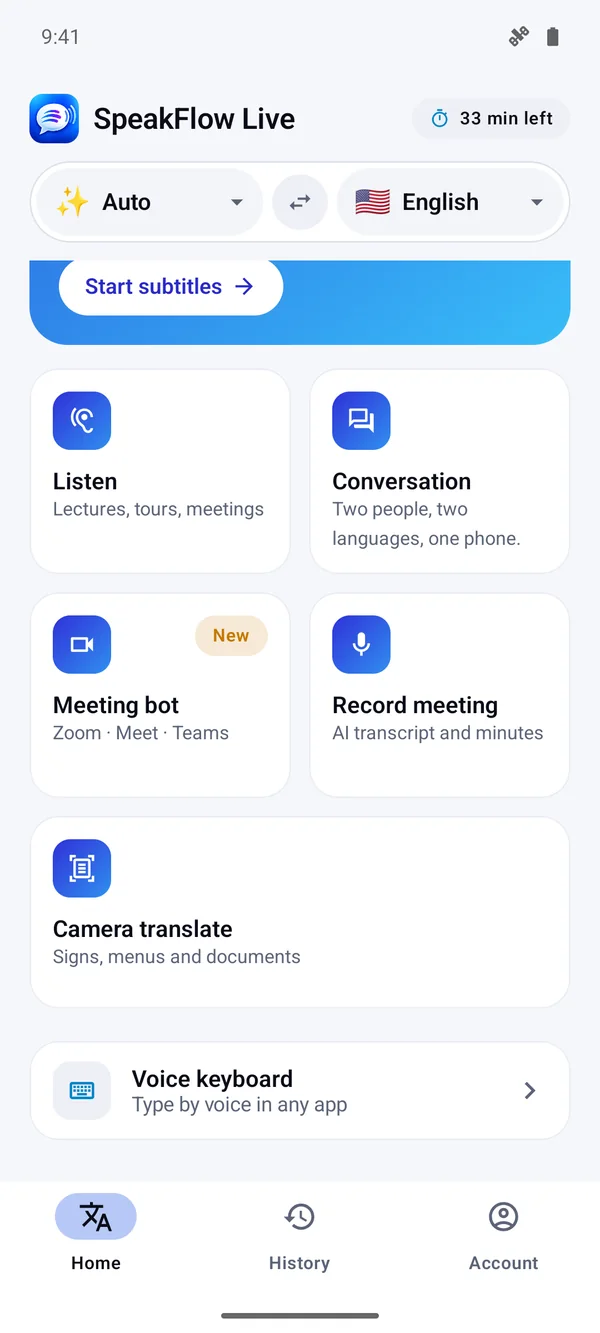
All the modes on Android
After the meeting

The minutes, written for you

Record a meeting on the phone, or import a video. SpeakFlow writes the transcript, tells the speakers apart and drafts the minutes.

  • Summary, decisions and action items
  • Export to Word in one tap
  • Ask questions about what was said
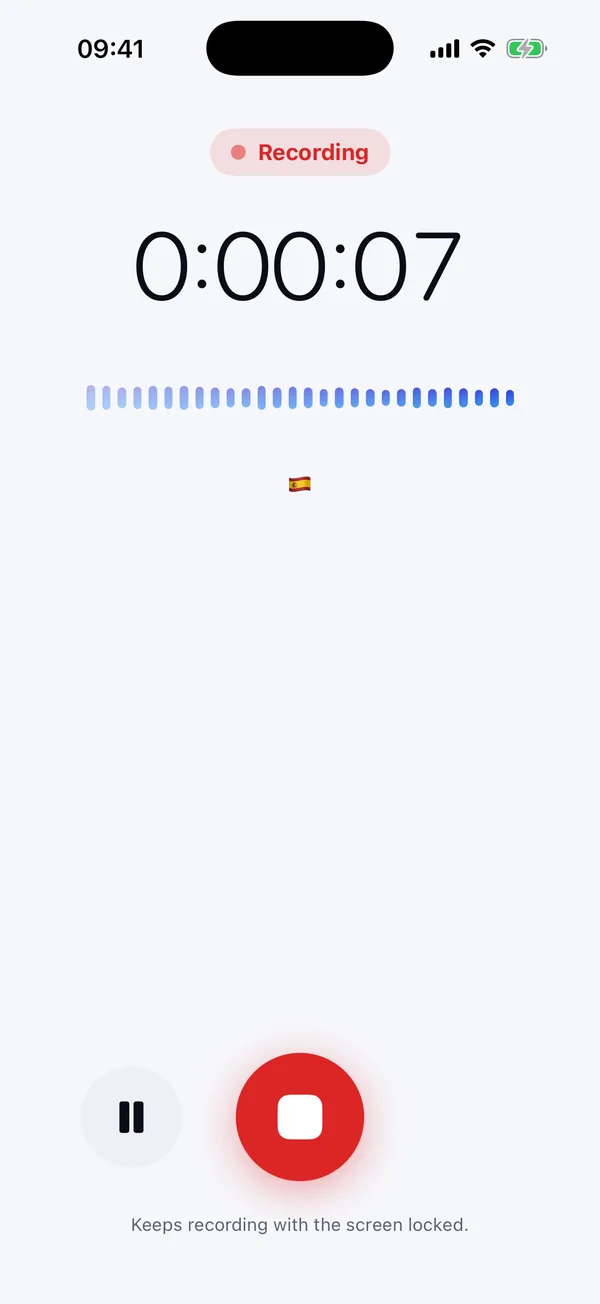
Recording a meeting
AI meeting minutes
Built for real conversations

Everything between you and the other language

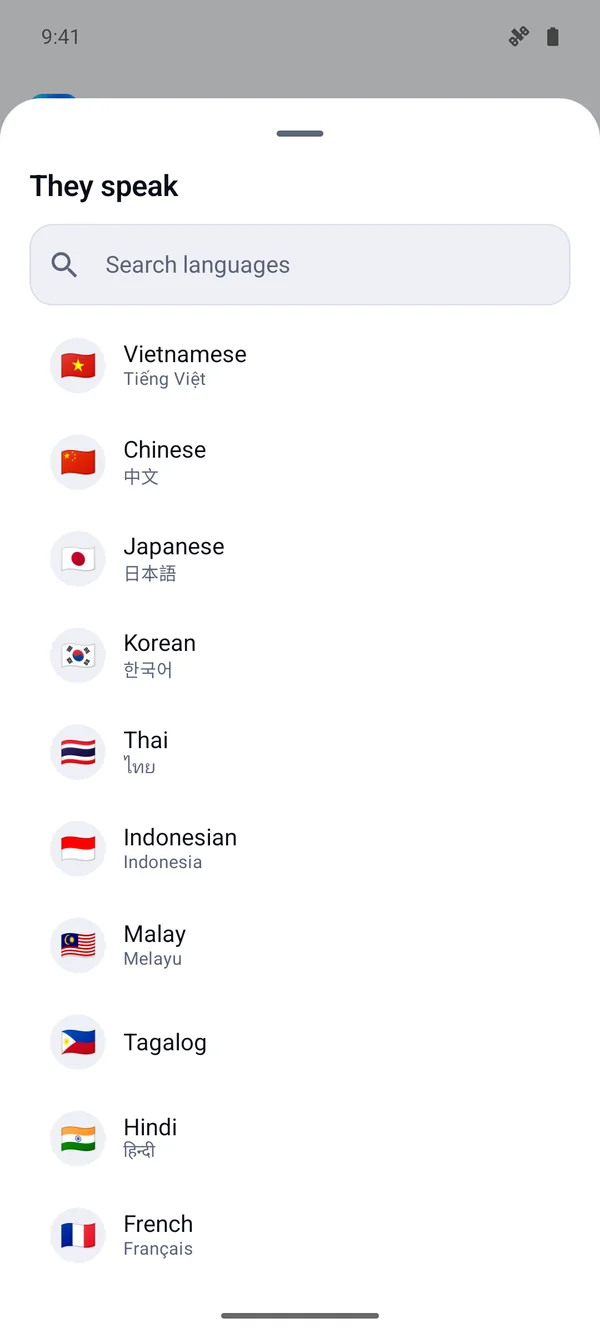
60+ languages, both directions

From English, Spanish and Chinese to Japanese, Korean, Vietnamese, Arabic and Hindi — detected automatically.

60+
The language list

Real time

Translation streams as people speak, usually within a second or two.

Natural voices

Lifelike voices in every language — or a clone of your own.

Knows the topic

Tell it what the meeting is about and names and jargon come out right.

Private by design

Audio is translated as it streams and never stored. Transcripts stay on your device.

Camera translate

Point the phone at a sign, a menu or a document and read it in your language.

Fair pricing

Start free on every device. Pay for the hours you use — they never expire.
Compare

Which one do I need?

SpeakFlow ProPhone appSpeakFlow Translate
Runs onMac & WindowsiPhone, iPad & AndroidChrome, Edge, Brave
Best forCalls and meetings on your computerOn the go, face to face, recorded meetingsYouTube videos
Speaks for youYes — into the callYes — out of the phoneNo
Meeting minutesAI summaryFull minutes + Word exportVideo summary
Price1 free hour · packs from $19Free minutes daily · Pro in the appFree · VIP optional
From the blog

Guides for real situations

All 54 articles

Start talking. We'll translate.

Free on every device — no card, no API keys, nothing to set up.